
SHAREit
SHAREit is a free Windows app from the SHAREit Team for moving photos, videos and documents between a PC and a phone. The current version is 5.1.0.7.
22.7 MB

TeamViewer is remote connectivity software from TeamViewer SE for remote control, support and administration of computers and mobile devices.
Average 0.0 · ratings: 0
Thank you! Your rating is saved; you can change it. Could not save the rating. Please try again later. Too many ratings from your network today. Please try again tomorrow. The average appears after 5 ratings.
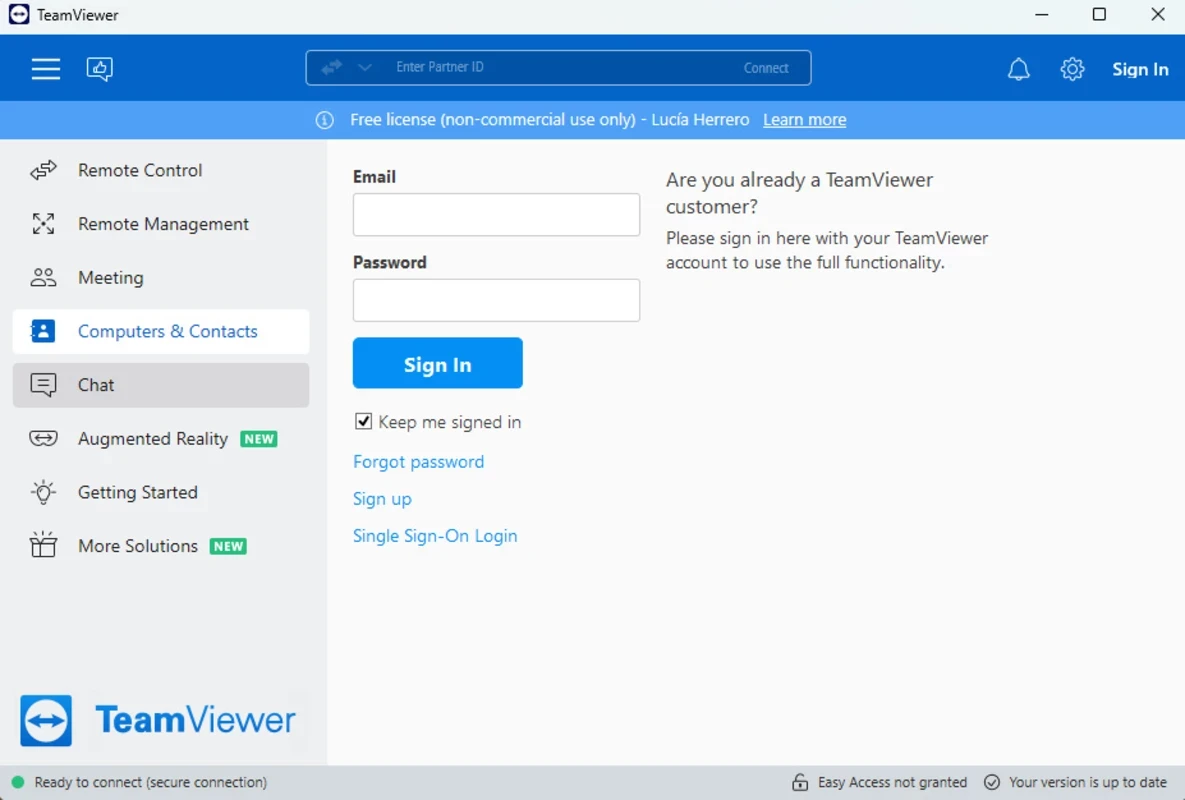
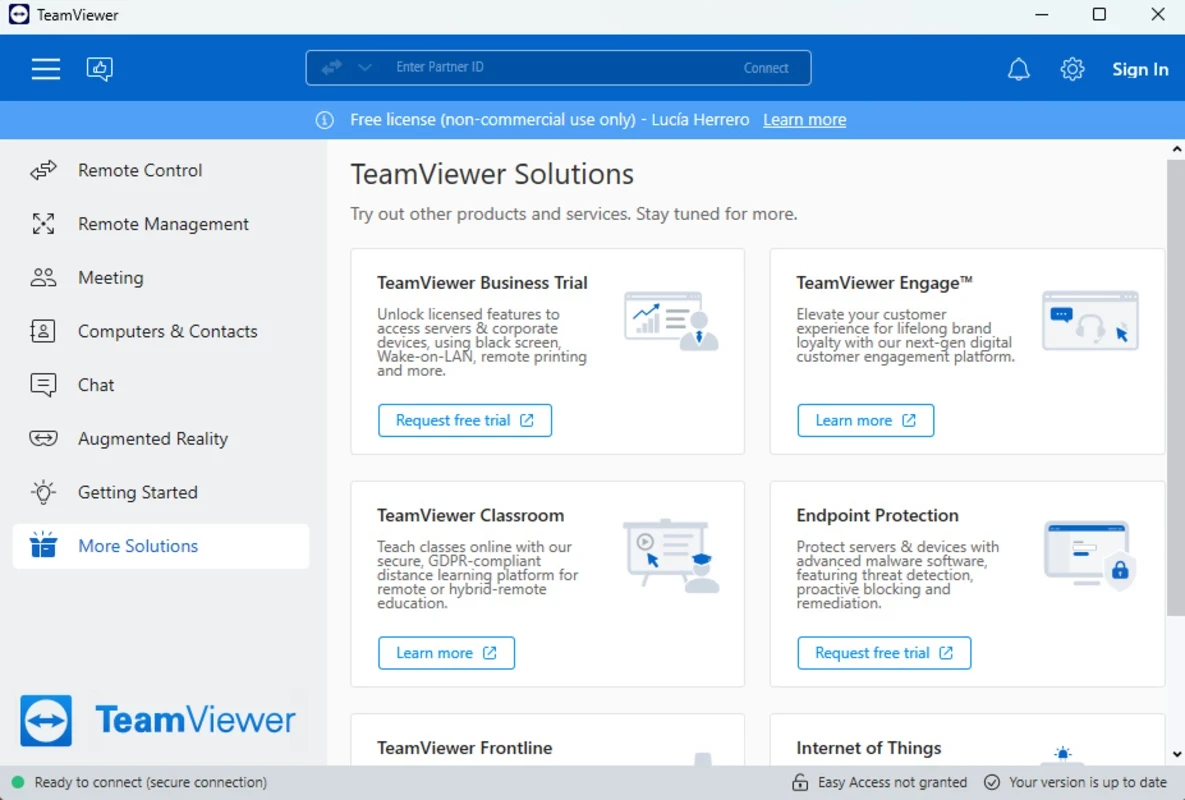
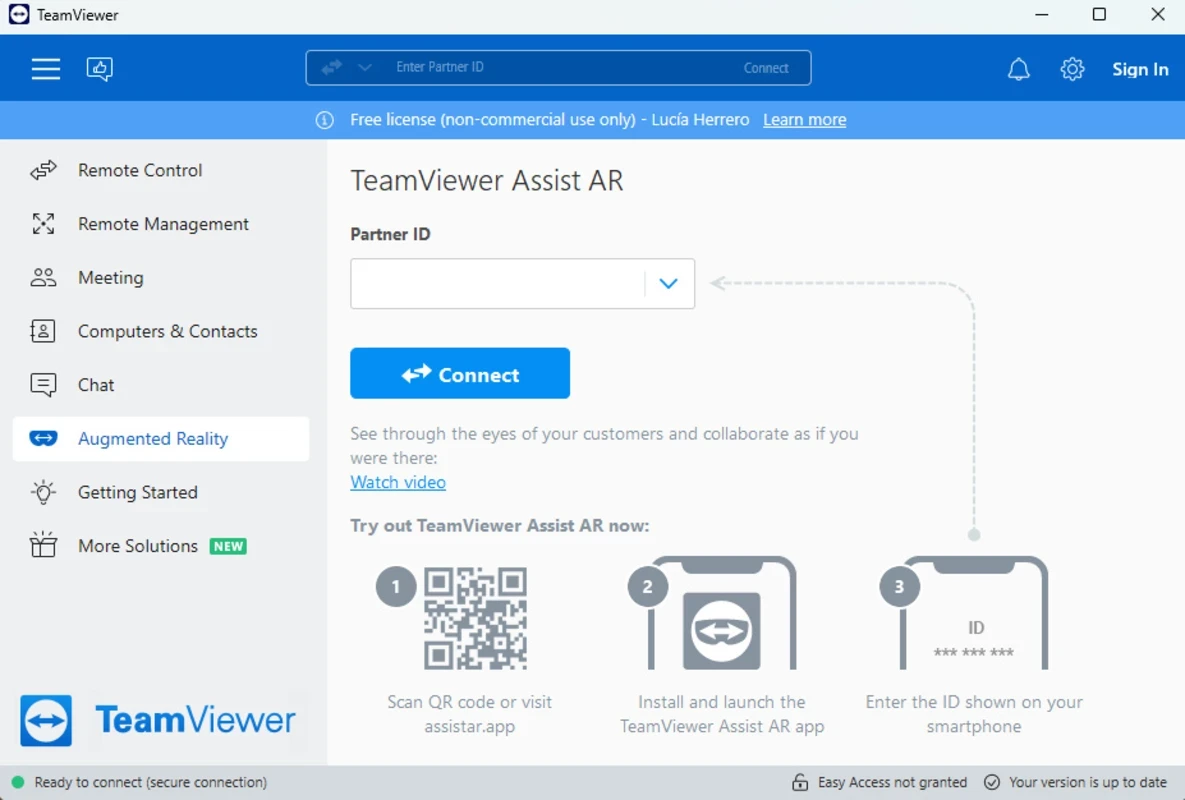
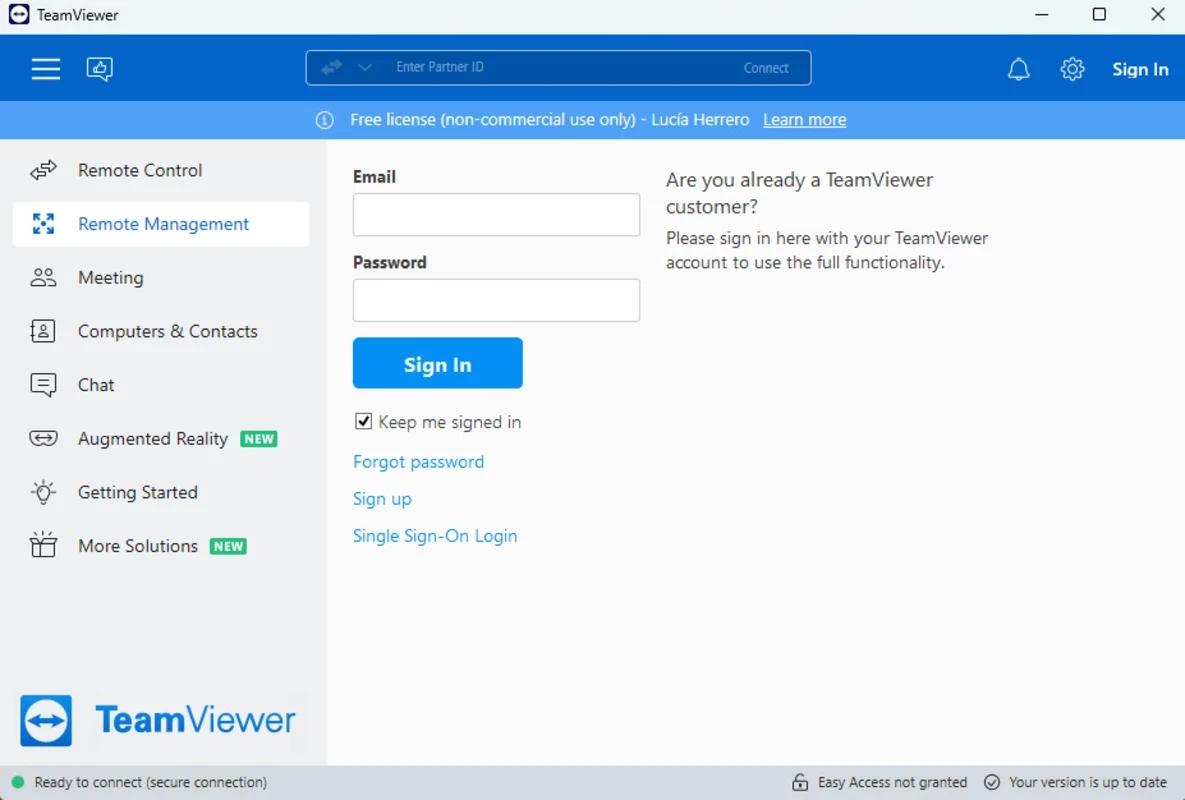
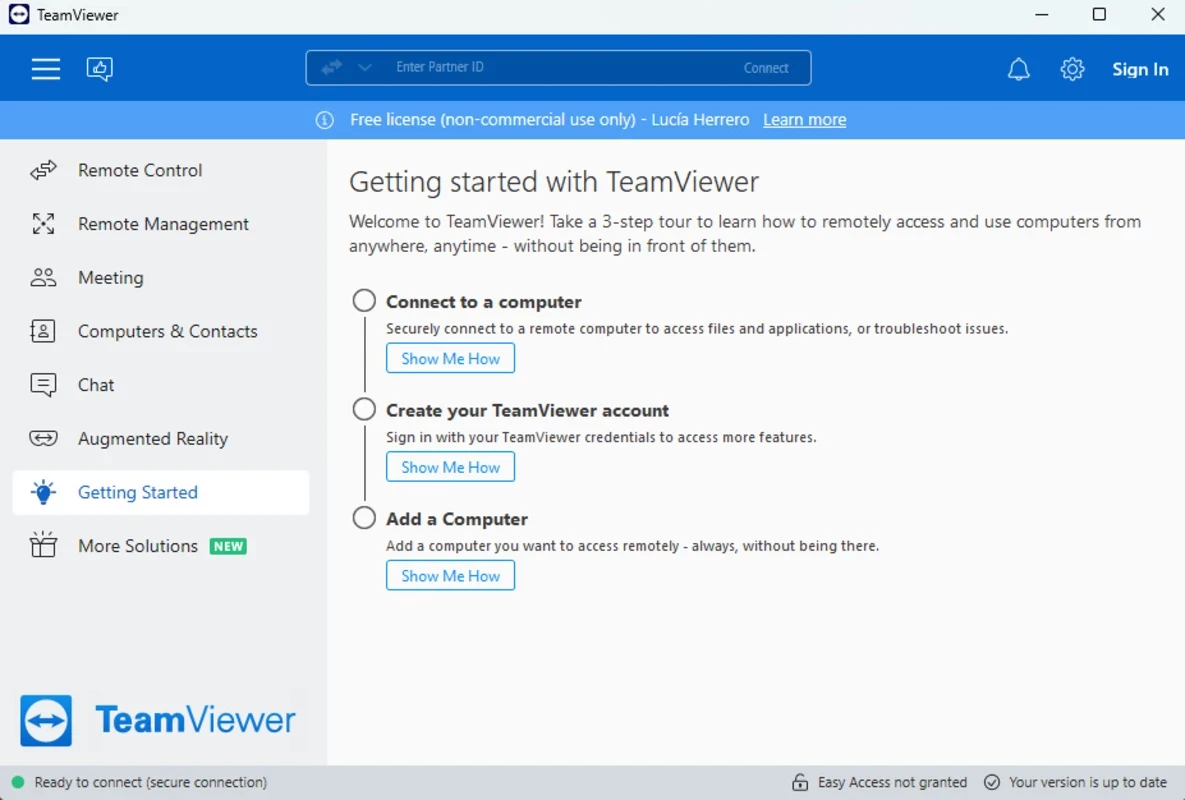
TeamViewer 15.81.6.0 for Windows is the remote connectivity software from TeamViewer SE, and you can download it free for personal use from the official website. It connects two devices over the internet so that one can view and control the other, a job TeamViewer has done since 2005.
| Program | TeamViewer |
|---|---|
| Version | 15.81.6.0 |
| Developer | TeamViewer SE (TeamViewer GmbH) |
| License | Freemium: free for personal use, paid for business |
| Main use | Remote administration and support |
| Operating systems | Windows, macOS, Linux, ChromeOS, Android, iOS, iPadOS |
| Updated | September 2026 |
| Size | about 80.31 MB according to catalogue data |
TeamViewer is remote desktop software in the classic sense. You start it, share the ID and password it shows, and a helper on another device sees your screen and can operate the mouse and keyboard. The same connection can carry files, chat and, in business plans, management tasks across many machines. Help desks use it to support customers, administrators manage servers and office PCs, and home users rely on it to assist relatives or reach their own computer while travelling. Because clients exist for desktops and mobile systems, a technician can even look at a PC from a phone in an emergency. For regular access to your own computer, you can assign it to your TeamViewer account and connect without anyone at the other end.
TeamViewer publishes a support table per Windows release on its supported operating systems page. For example, Windows 11 (25H2) is supported from TeamViewer 15.71, Windows 11 on ARM natively from TeamViewer 15.80, and Windows 10 October 2022 Update (22H2) from TeamViewer 15.41. Windows Server Core installations are not supported.
Updates are announced in the official change logs.
Remote access tools are a favourite of phone scammers who pose as bank staff or tech support. Never give your TeamViewer ID and password to a caller you did not contact yourself. Enable two-factor authentication for your account, use strong passwords for unattended access, and close the program when no session is planned.
Personal, non-commercial use is free. Companies need a paid subscription, and TeamViewer may limit sessions if it detects commercial use on a free installation.
AnyDesk is the most direct alternative in the same category. For network diagnostics rather than remote control, Advanced IP Scanner is also listed there.
SHAREit is a free Windows app from the SHAREit Team for moving photos, videos and documents between a PC and a phone. The current version is 5.1.0.7.
Zapya for Windows is a free file transfer app from DewMobile for moving files between a PC and phones over a local wireless connection.

Easy Connection to Screen is Samsung's Windows app for showing a PC's screen on a compatible Samsung TV over a wireless connection.

Internet Download Manager (IDM) is a shareware download manager for Windows from Tonec that accelerates, resumes and schedules downloads.

uTorrent (μTorrent) is a small BitTorrent client for Windows from Rainberry (BitTorrent Inc) for downloading and sharing files over torrents.

AnyDesk is a remote desktop application for connecting to and controlling another computer over the internet, from a small Windows program.

ShareMe is Xiaomi's free app for sending files between devices without a cable; on Windows the Android app runs only inside an emulator.

Xender is a free file sharing app from the Xender File Sharing Team for sending files between phones and computers over a local connection.